
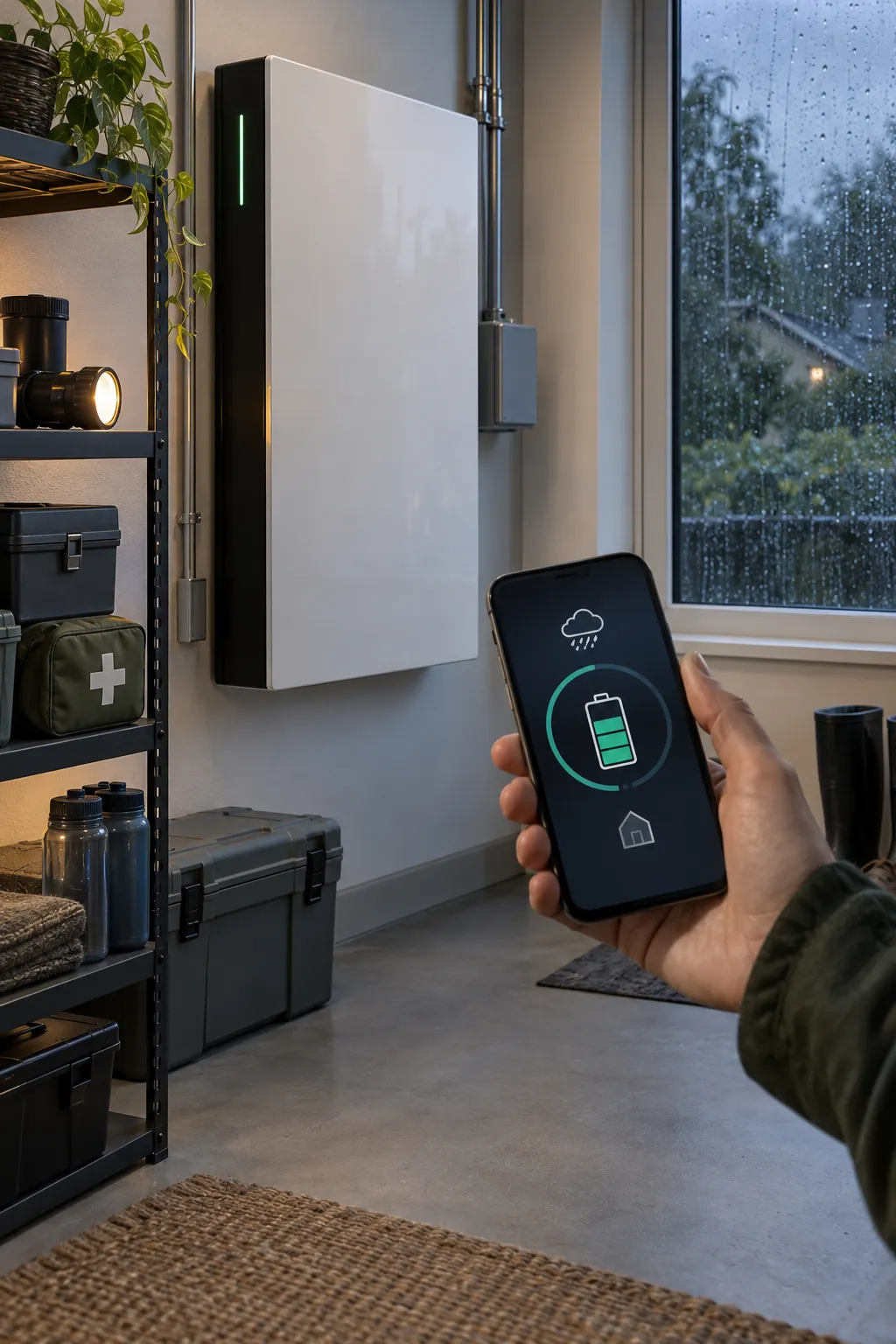
If you own a home battery, or you're thinking about one, "storm watch" is a phrase worth understanding before the next forecast turns ugly. Searches around Tesla Powerwall's Storm Watch Mode are climbing in the US, and this guide gives you a clear picture of what the feature is for and a checklist you can run through before bad weather arrives.
A quick note on scope: interest is still modest, roughly 100+ searches, and the spike traces to a single explainer, "Tesla Powerwall Storm Watch Mode: How It Works," from BASENOR, a Tesla accessories retailer. I can't see the full text of that piece, so I'll stick to what it's framed around: Storm Watch Mode as part of how Powerwall prepares for storm-related outages. For exact behavior, settings and eligibility, check Tesla's own documentation and your app.
What Storm Watch Mode is, in plain terms
Per BASENOR's coverage, Storm Watch Mode is part of how a Powerwall gets ready for outages tied to storms. The idea behind any storm-prep feature on a home battery is simple: you want the battery as full as possible when the power goes out, not half drained from an evening of normal use.
That's the practical question to ask about your own setup: what will my battery be doing in the 24 to 48 hours before a storm hits? Your Tesla app is the place to confirm how the feature behaves for your system and region.
A pre-storm checklist for home battery owners
These steps apply to any home backup setup, and they take less than an hour total.
1. Open your battery app and look at the settings
Confirm the storm-related feature is enabled if your system offers it, and note your current backup reserve level. If you've been running the battery for bill savings, the reserve may be set lower than you'd want during an outage.
2. Check the charge level the day before
Don't assume. A glance at the app tells you how much stored energy you actually have. If the forecast is serious, look again the morning the storm arrives.
3. Decide what matters most
A battery has finite capacity. Write down the loads you can't live without: refrigerator, internet router, phone chargers, a few lights, medical devices if you use them. Anything else, such as the dryer, oven or space heaters, is a candidate to skip.
4. Make a low-power plan
Tell the household the rules ahead of time. Run fewer big appliances at once, keep fridge and freezer doors closed, and use LED lamps rather than overhead lighting in rooms you aren't using.
5. Charge the small stuff
Top off phones, power banks, flashlights and rechargeable lanterns while the grid is still up. This saves battery capacity for the essentials.
6. Keep a non-battery backup
A home battery is one layer, not the whole plan. Keep flashlights, batteries, a battery-powered or hand-crank radio, water and a basic first-aid kit within reach.
Why this is a smart-home story, not just an electrical one
Home batteries have moved from niche gadget to a mainstream part of the home improvement conversation. The shift is that preparation can be partly automated: a connected system can adjust itself ahead of weather, where older backup power depended on you remembering to gas up a generator.
That convenience has a catch. Automation only helps if you understand it. Knowing what your system does on its own, and what it leaves up to you, is the difference between a calm outage and a stressful one.
If you don't have a battery yet
Storm Watch is a feature of an existing product, so it won't help until you own the hardware. If you're shopping, use this moment to ask installers a few concrete questions:
- How many hours could the system realistically run my essentials?
- Which circuits are backed up, and which aren't?
- What storm or outage features are included, and how do I control them?
- Can I adjust the backup reserve myself?
Get the answers in writing, with numbers specific to your home.
Keep expectations realistic
A battery can't make a long, multi-day outage feel normal. Capacity, your usage and whether you have solar to recharge all shape how long you'll stay powered. Treat any storm feature as a way to start the event with the fullest tank possible, not as a guarantee.
The one thing to do today
Open your battery app, check your reserve setting, and write down your five must-power items. Ten minutes now beats guessing in the dark later.